

In the digital era, website security is paramount to establishing trust with your audience. National Cybersecurity Awareness Month reminds businesses to rethink how security intertwines with design. A well-designed website isn’t just about aesthetics—it’s about crafting an environment where users feel safe. But how do design and security intersect? In this post, we’ll explore the ways design can enhance security to create a trustworthy online experience.
Why design and security go hand in hand
In the past, design and security were often treated as separate concerns. However, today’s users are savvier, expecting not only an attractive interface but also reassurance that their data is safe. Your website design is the front line of defense in delivering a secure user experience, making it essential to integrate security directly into the design process.
The role of design in creating trust
A user’s first impression of your website can either build or destroy their trust of your business. Design elements like colour schemes, typography, and layout can subconsciously tell your audience if they can trust you with their information. Here are some design elements that contribute to a trustworthy online experience:
- Clear, concise navigation: Easy-to-use menus make users feel more in control of their experience. If your website is easy to navigate, and doesn’t feel like you’re hiding anything, that’s great for your user’s peace of mind.
- Consistent branding: This reinforces professionalism and reliability, and ensures your business has a seamless feel.
- SSL certificates and secure logos: Clearly displayed security badges build confidence for users.

The intersection of design and security
User authentication and login page design
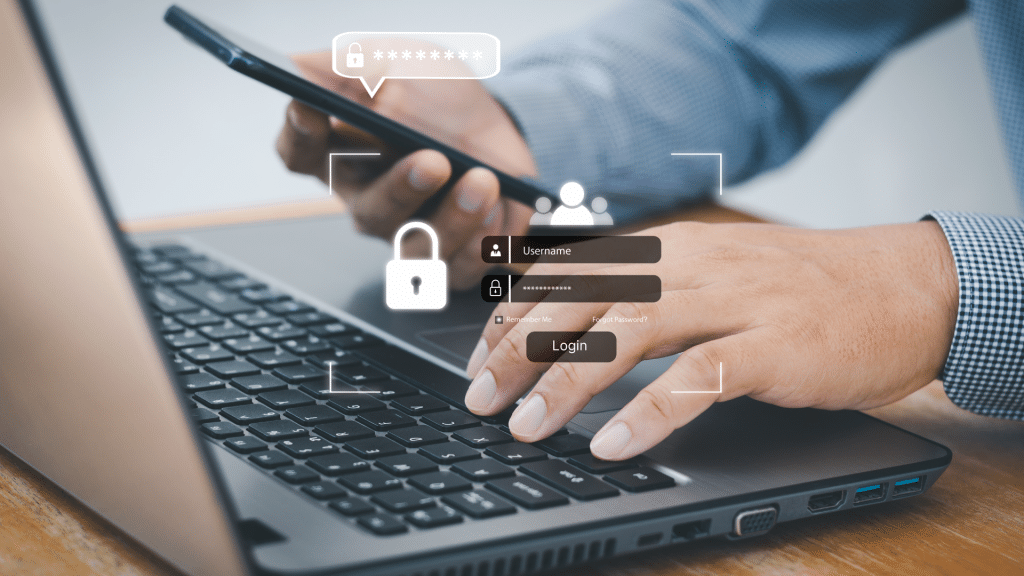
The login page is often the first point where users encounter security measures. A well-designed login form should balance user experience with secure protocols such as:
- Multi-factor authentication (MFA): MFA should be enabled, to provide a simple and intuitive experience.
- Password strength indicators: Encourage users to create stronger passwords with visually engaging feedback. The stronger the password, the harder it will be to crack!
- Security notifications: Clearly communicate successful logins and logout times to users, with easy-to-follow error messages
Data encryption and ser Interface (UI) design
Data encryption isn’t something users directly interact with, but it impacts their perception of security. Your website’s design can communicate that encryption is in place through:
- Encrypted forms and transactions: Highlight that data submitted through forms is encrypted with secure, visible indicators.
- Visual cues for secure pages: Design HTTPS indicators or padlocks near form fields and checkout pages to show users their data is safe.
Best practices for designing secure websites
Let’s break down the key practices for integrating security into your website design:
- Use HTTPS Everywhere
Ensure your website uses HTTPS protocol on all pages, not just login and payment pages. Users are becoming more aware of the “Not Secure” warning browsers display for HTTP only websites. - Design for User Privacy
Incorporate clear privacy policies into your design. Use modal pop-ups or clean, simple pages to explain how user data is collected and protected. If you are looking for assistance creating a privacy policy, you can use Termageddon, which is a fantastic, easy to use policy generator. - Implement Secure Payment Methods
If you run an eCommerce site, prioritise designing secure and transparent payment gateways. Use familiar and trusted payment systems (like PayPal or Stripe) on checkout pages to reassure customers. - Minimal Data Collection
Design forms to collect only essential user information. Avoid overwhelming users with unnecessary fields, which can deter them from sharing sensitive data. And utilise reCAPTCHA in your forms to ensure it’s only humans submitting these forms. - UI Consistency and Error Handling
Make error messages clear and informative without revealing sensitive information. For example, a login error shouldn’t specify if the username or password is incorrect. A general “Invalid login” message is more secure.
The impact of design on security awareness
Your website design can also actively encourage cybersecurity awareness among your users. This could include:
- Educational Pop-ups: Include security tips when users sign up or create accounts.
- Phishing Warnings: Design prompts or banners that alert users if they might be engaging in suspicious activity.
- Clear Terms and Conditions: Use design elements to make sure users read and understand your terms and privacy policies.
Common security mistakes in design
- Overly complex UI: Complicated interfaces can make users ignore or misunderstand security steps.
- Unsecured forms and plugins: Failing to vet third-party plugins or tools can introduce vulnerabilities.
- Not prioritising mobile design: Mobile users are often overlooked, leading to unsecured login pages or forms on mobile websites.Prompt for AI-Generated Image:
“Warning pop-up informing a user about phishing risks with a clean and modern design.”
How security impacts SEO
Google has prioritised secure sites in its ranking algorithms. Websites using HTTPS tend to rank higher, as they offer a safer user experience. In addition to enhancing trust, your secure website can benefit from:
- Improved rankings for HTTPS: Sites without HTTPS are negatively flagged, resulting in lower rankings.
- Lower bounce rates: Users feel more comfortable staying on secure, well-designed websites.
Combining design and security for the best user experience
Security and design are no longer two separate components in website creation. They now work in tandem to provide a seamless, trustworthy experience for your users. A secure website enhances customer trust and retention, while good design makes security user-friendly. This October, in Cybersecurity Awareness Month, take the opportunity to ensure that your website is both beautifully designed and secure.
At Payneless Media, we specialise in creating websites that are not only visually stunning but also highly secure. Contact us today to book a call and learn how we can make the security of your website a priority.


